Tutorial 5 of 7
Custom robots: DH tables, URDF, tools and payload
Advanced 15 min
Describe your own robot with standard or modified DH parameters or URDF joint origins, set limits, geometry, tool and payload, and import or export URDF.
Open Robot → Robot editor…. Changes apply when you press Apply and are undoable as one step.
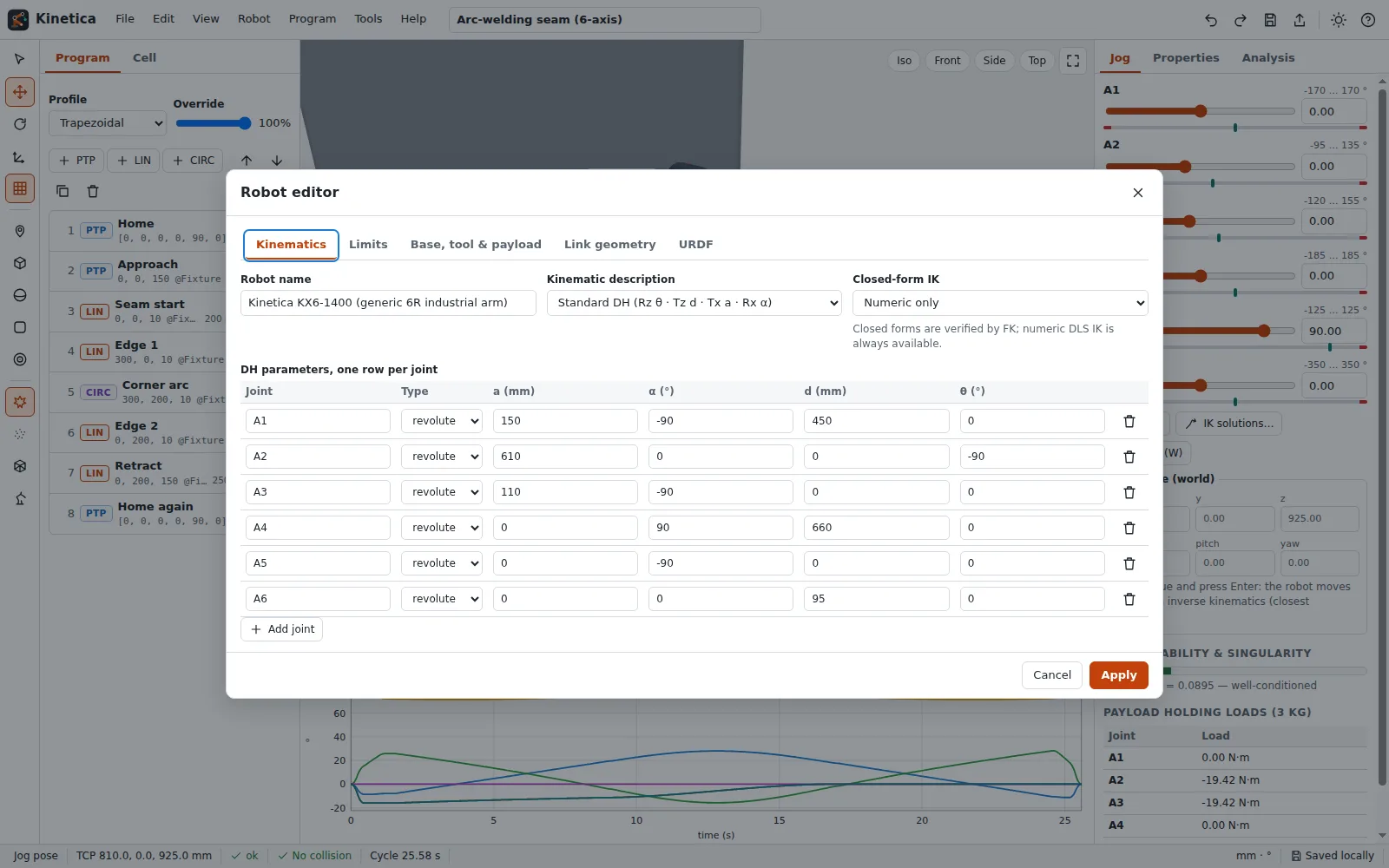
Kinematics
Choose the description:
- Standard DH (Denavit–Hartenberg, as in Spong or Corke): each joint is Rz(θ + q) · Tz(d) · Tx(a) · Rx(α).
- Modified DH (Craig): Rx(α) · Tx(a) · Rz(θ + q) · Tz(d). The modified parameters of a joint are the standard a and α of the previous joint.
- URDF-style origins: a fixed origin (xyz, rpy) relative to the previous link and a motion axis.
For revolute joints θ is the zero offset; for prismatic joints d is. Kinetica's library includes the published UR5 DH table and the PUMA 560 table of the Robotics Toolbox. A quick check: the PUMA 560 at all joints zero puts the TCP at (452.1, −150.05, 1103.63) mm, the UR5-style arm at (−817.25, −191.45, −5.491) mm — the textbook values.
Limits
The Limits tab holds min/max, home position, velocity, acceleration and jerk limits per joint (degrees or mm). The planner never exceeds them for PTP moves and slows LIN/CIRC moves down when needed.
Base, tool and payload
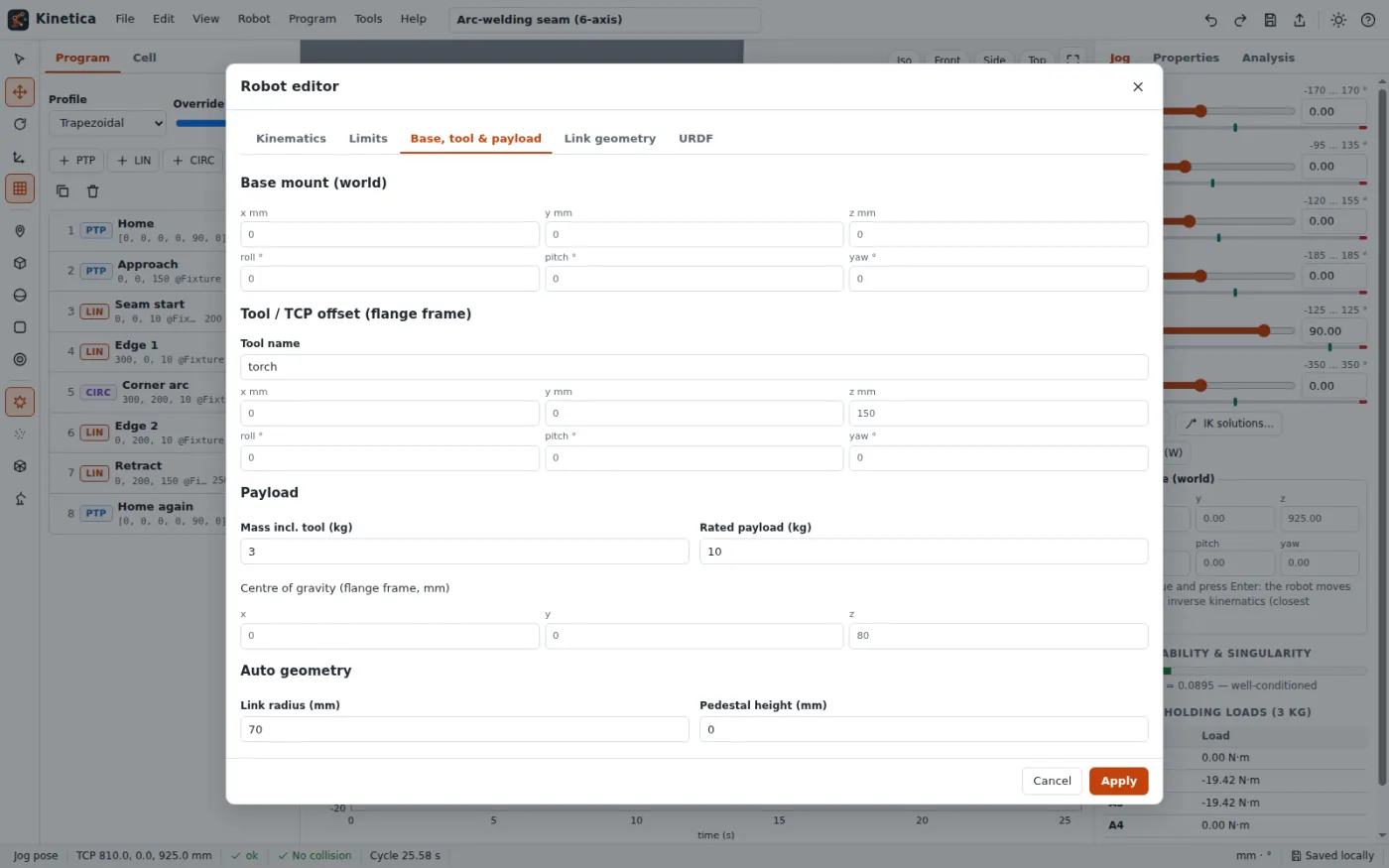
- Base mount: where the robot stands in the world.
- Tool / TCP offset: position and orientation of the tool centre point in the flange frame.
- Payload: mass and centre of gravity. The Jog tab then shows the static holding torque of every joint (τ = −Jᵀ·m·g).
Link geometry
By default Kinetica generates capsules along the kinematic skeleton with the given link radius. Convert to editable shapes turns them into a list per link where you can add, edit and remove capsules, cylinders, spheres and boxes, and pick a colour per link. These shapes are used for drawing and for collision checking.
URDF import and export
File → Import URDF… reads a practical subset of URDF: links with box, cylinder and sphere geometry and revolute, continuous, prismatic and fixed joints with origin, axis and limits. Metres and radians are converted to mm and degrees; fixed joints are merged; meshes are skipped with a note; when a link has several children, the longest serial chain is imported.
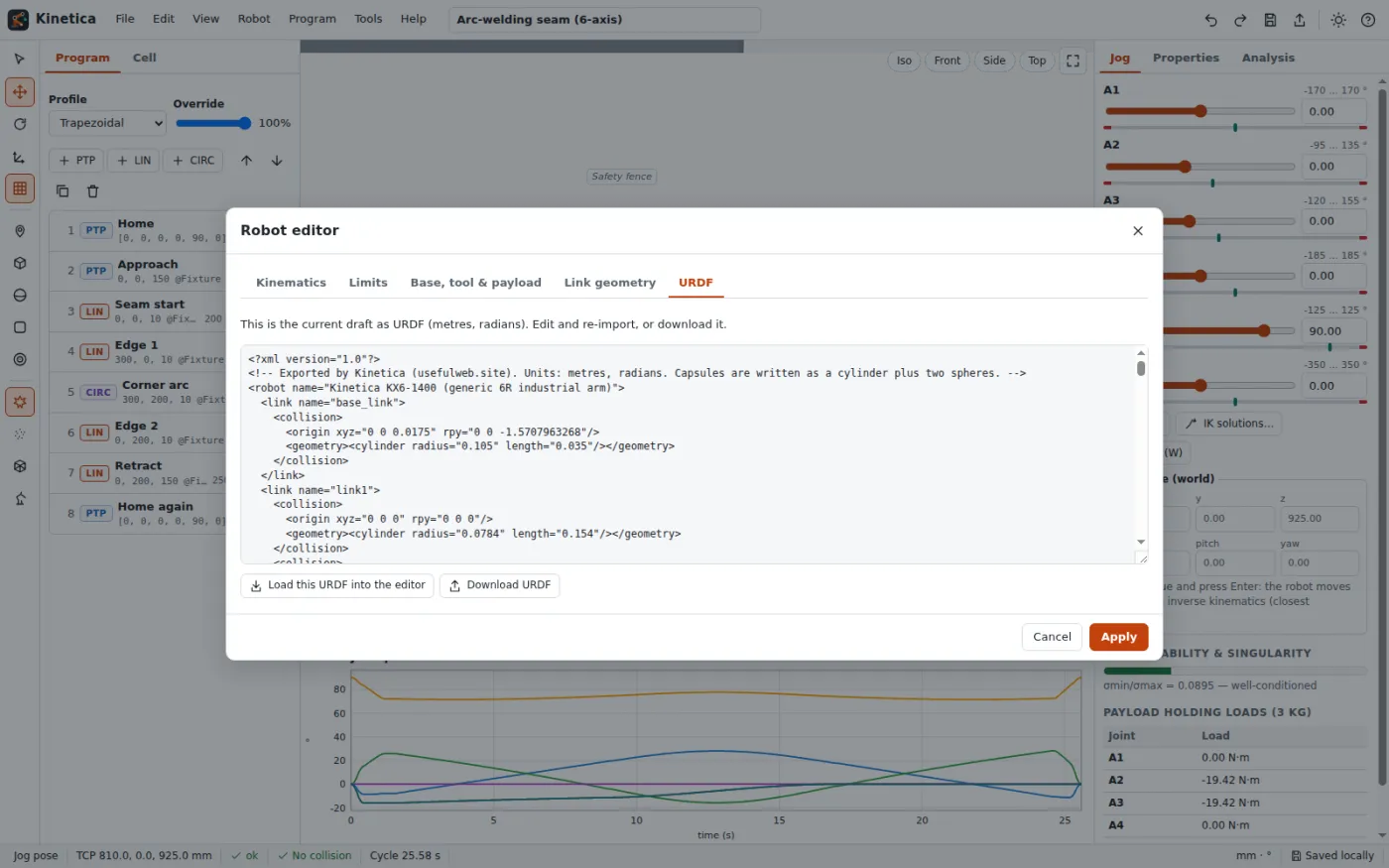
The URDF tab shows the current robot as URDF. Export writes each DH joint as an origin plus axis, so importing the file again gives the same forward kinematics (Kinetica's tests check this for every library robot to 1e-6 mm). Capsules are written as a cylinder plus two spheres.
Next: [Export G-code, KRL-like and RAPID-like programs](06-export-gcode-krl-rapid).